
Connecting Telegram Notifications
ℹ Information
So you never miss important events — an application being approved or rejected, an operator's reply in a ticket, a price change on a lot from your favorites, and more — connect Telegram notifications. This is done in the Notification Settings section of your lots.uz personal account.
01
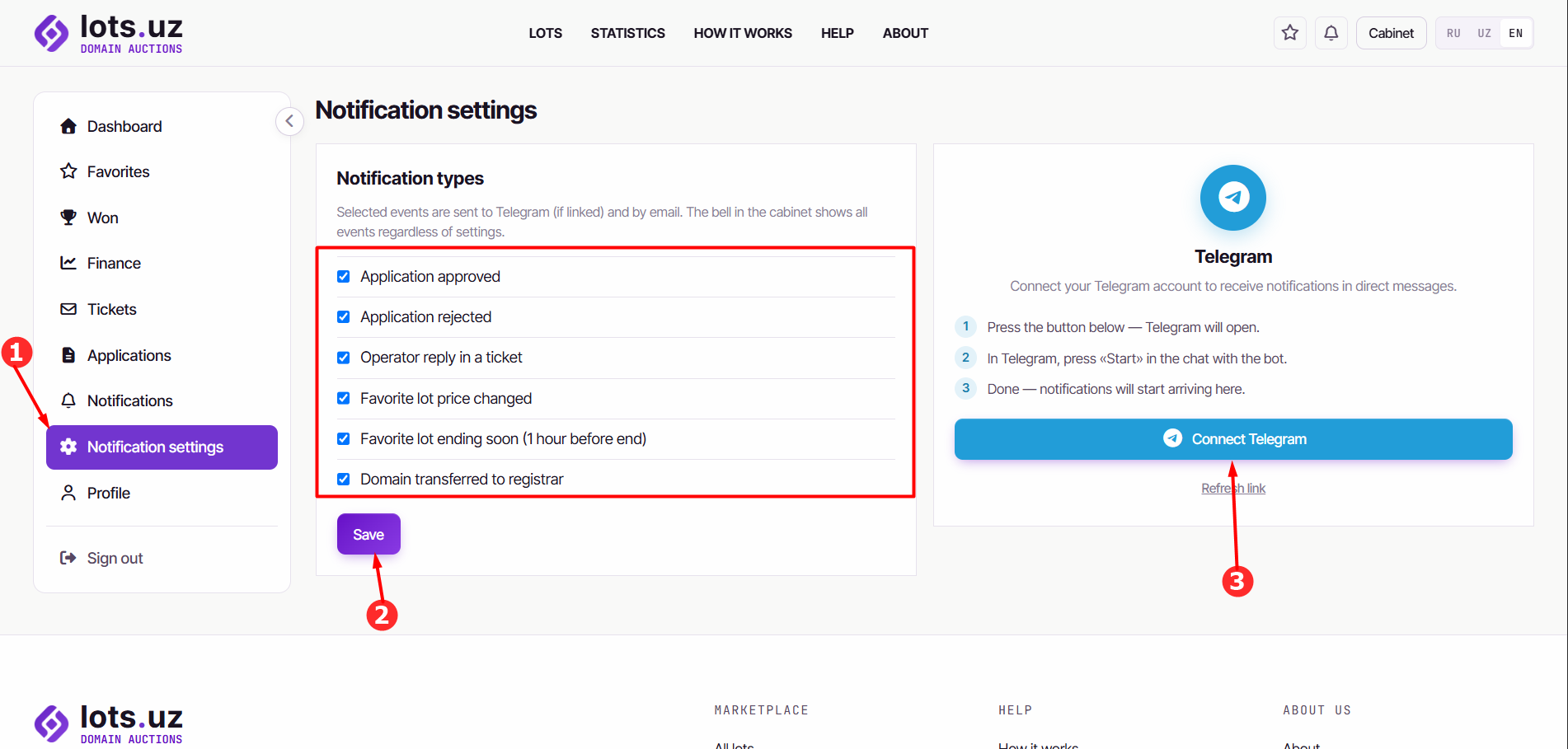
Choose your notification types Go to your lots.uz personal account and open the Notification Settings section in the side menu.
Check the boxes for the events you'd like to be notified about, then click Save.
💡 Tip
Selected events will be delivered both to Telegram (if connected) and to your email — independently of each other.
02
Connect Telegram In the Telegram block on the right, click the Connect Telegram button.
This will open the lots.uz chatbot in Telegram.
💡 Tip
If the connection link has expired or won't open, use the "Refresh link" option below the connect button.
03
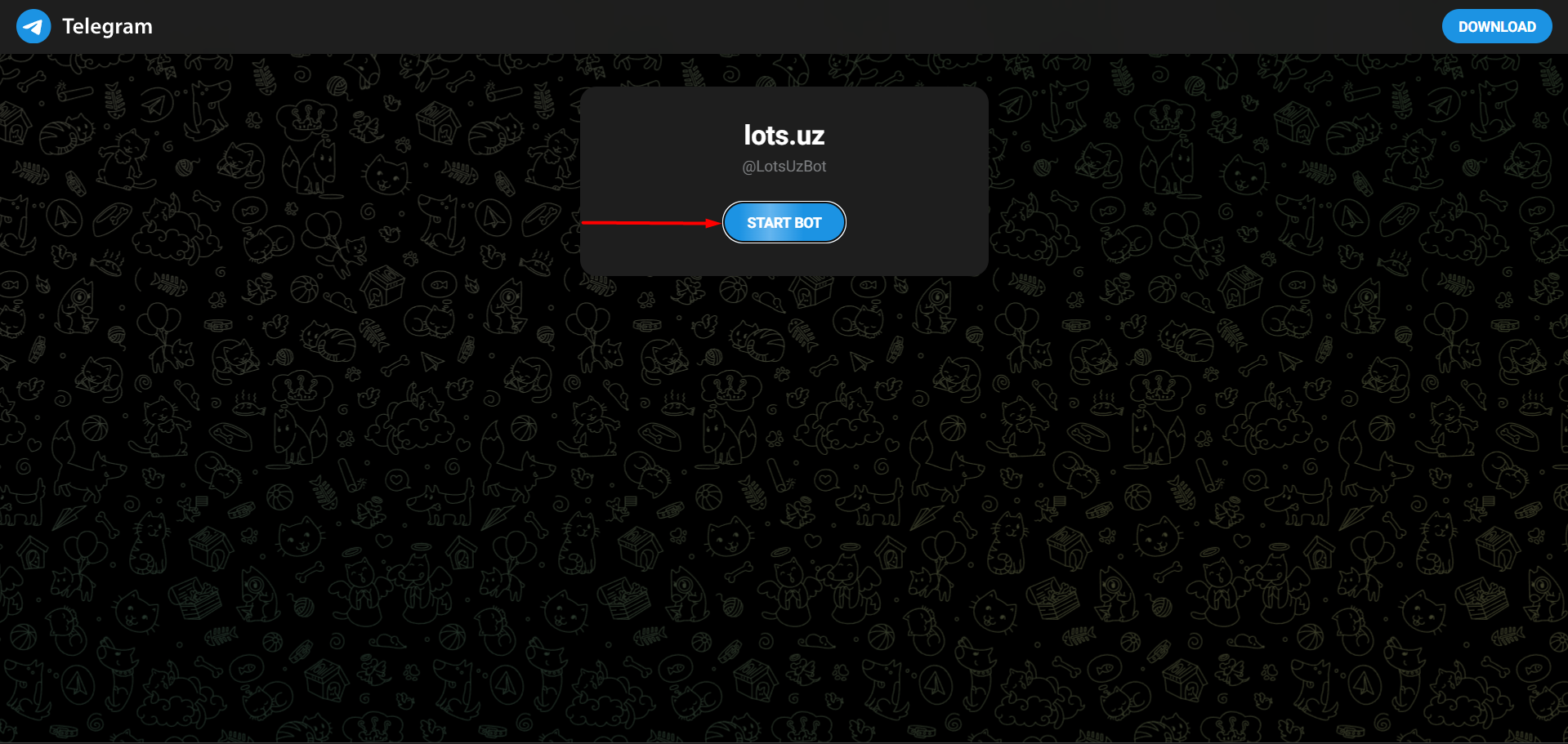
Start the bot In Telegram Web, click the START BOT button.
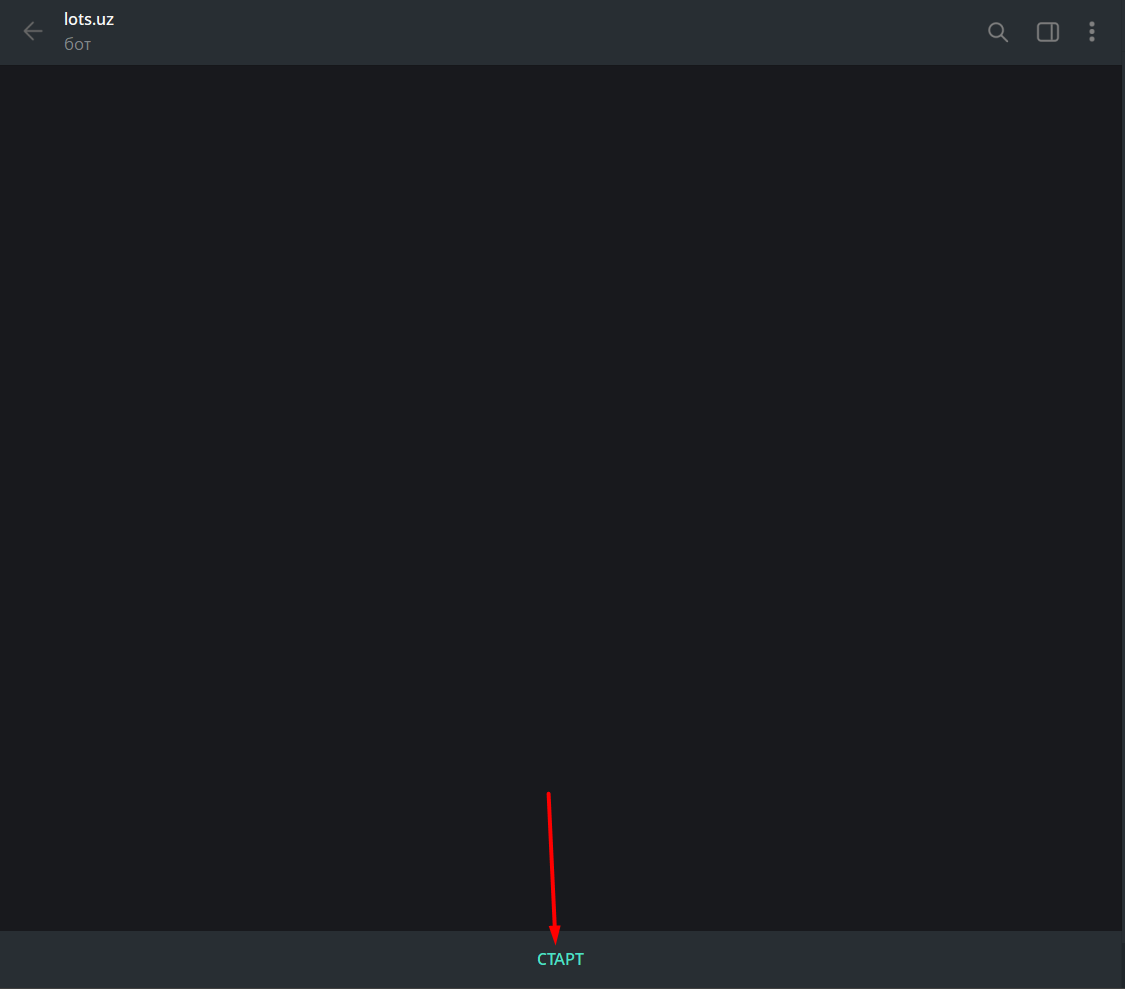
In the Telegram mobile app, tap the START button at the bottom of the chat.
💡 Tip
As soon as you tap the button, the bot will immediately send a welcome message — this confirms the connection was successful.
✓ Done
Telegram has been connected successfully
Notifications for your selected events will now be sent to you as private messages from the @LotsUzBot bot, and will also be duplicated to your email.